Uncategorized

Egg

A new week, a new prompt, and another deviation from the word art theme. The reason is that I have a design running around in my head and the prompt “egg” was the perfect excuse to work on a sketch. Our front doorbell recently broke (Winterpocolypse? Maybe.), and in searching new farmhouse door bells I saw many cute animal surrounds, but no chickens. So that needs rectification. The idea is the round button will replace the egg and it will look like the hen has raised up to check her egg. Done in Adobe Fresco with an Apple Pencil with copious use of layers and vector brushes. I prefer vector since resizing is immensely easier.
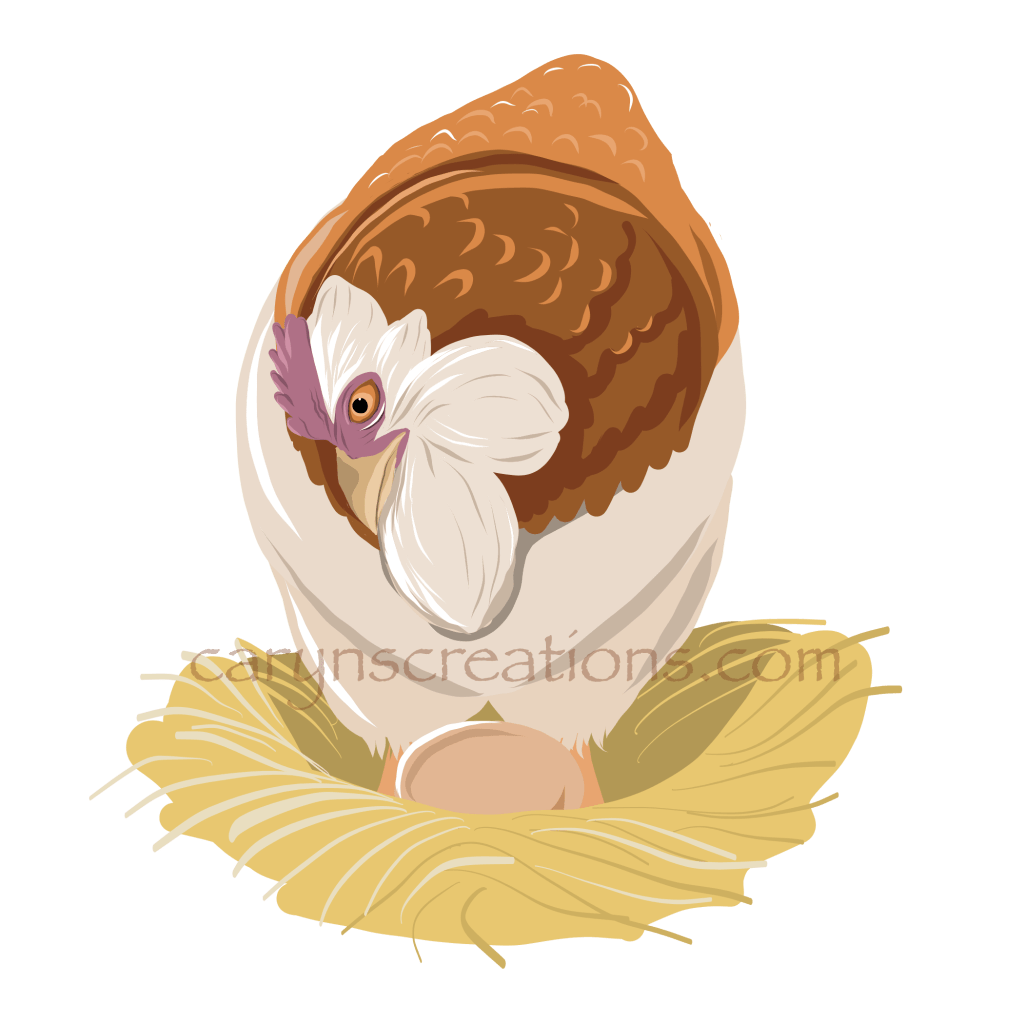
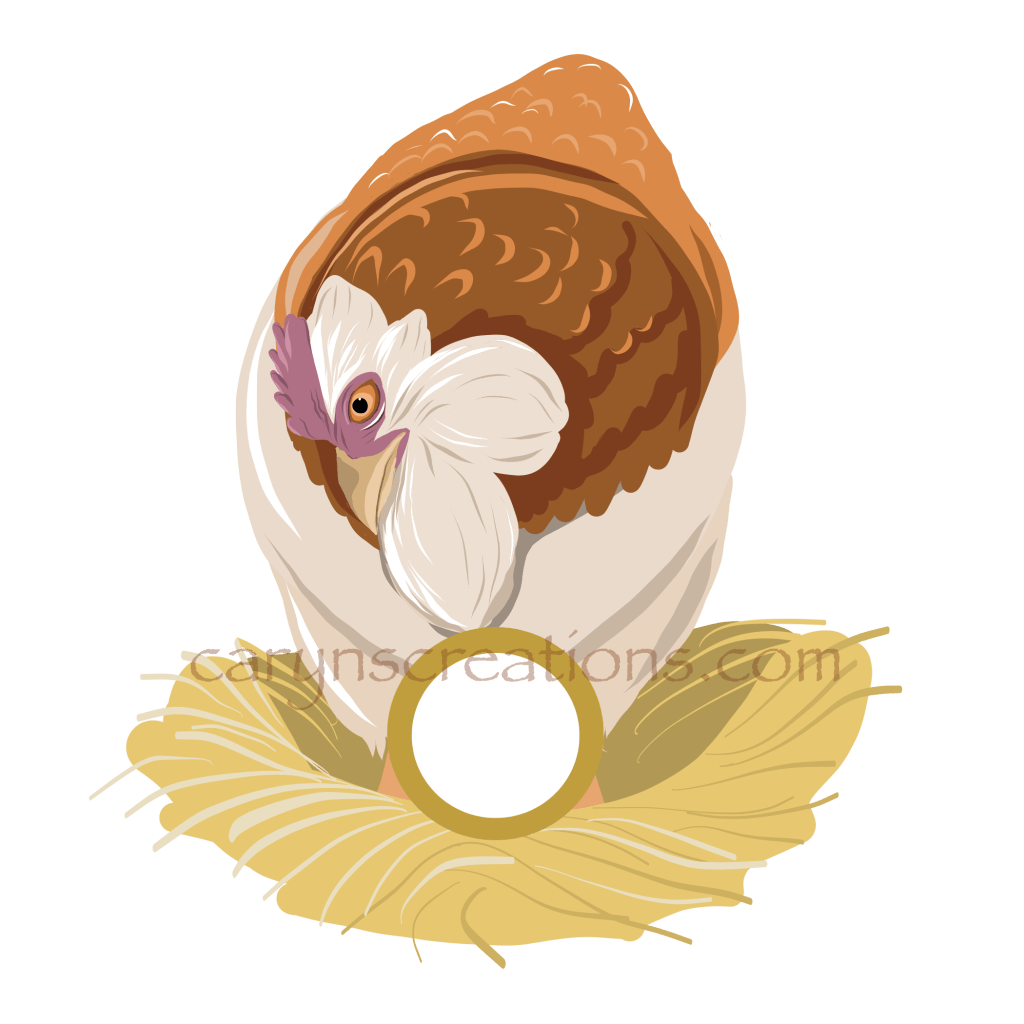
Vector drawing of a Faverolle Hen in a nest with an egg
Egg replaced by a representation of a button (I love, love, love layers)
Uncategorized

Working on continuous patterns

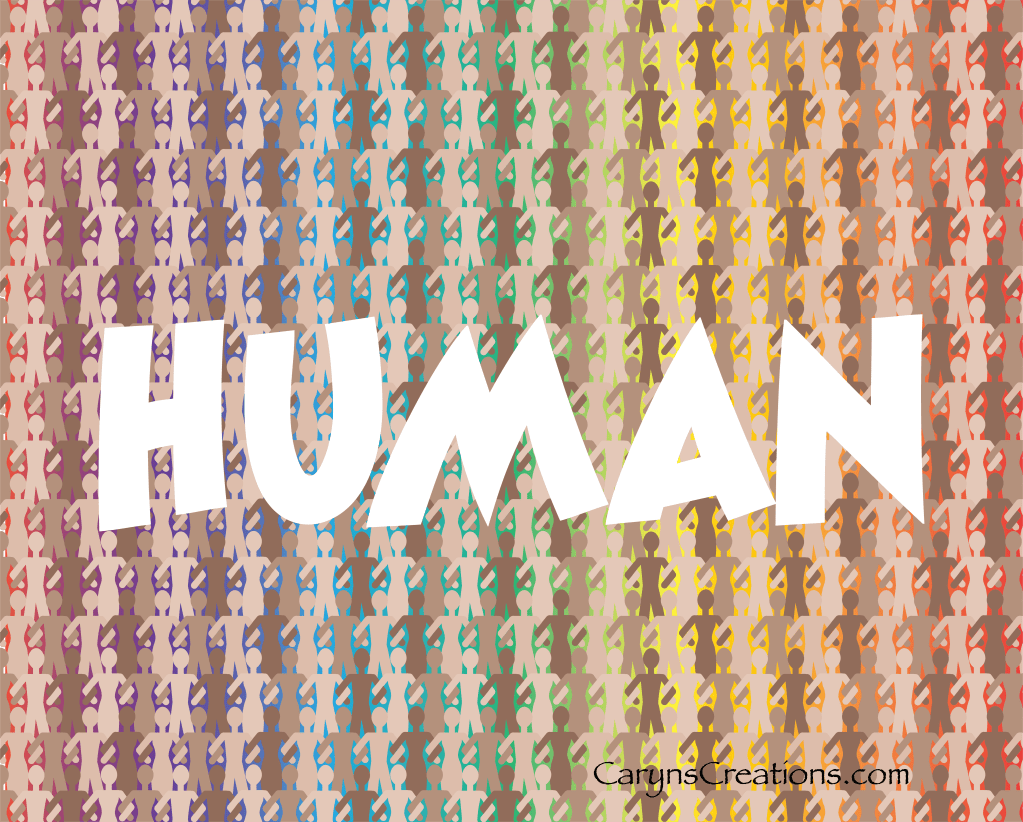
Continuous patterns are facinating. Not only can the single repeat be interesting, but the patterns that develop at different distances can mesmerize. I had an idea for a repeating pattern, and decided now was the time to start honing my skills. Although it can be fiddly work, it is very fulfilling when the pattern comes together. Here is the application of my first pattern, made with Adobe Illustrator.

Human, with repeating background and rainbow gradient

And here is a zoomed in version of the pattern:

Uncategorized

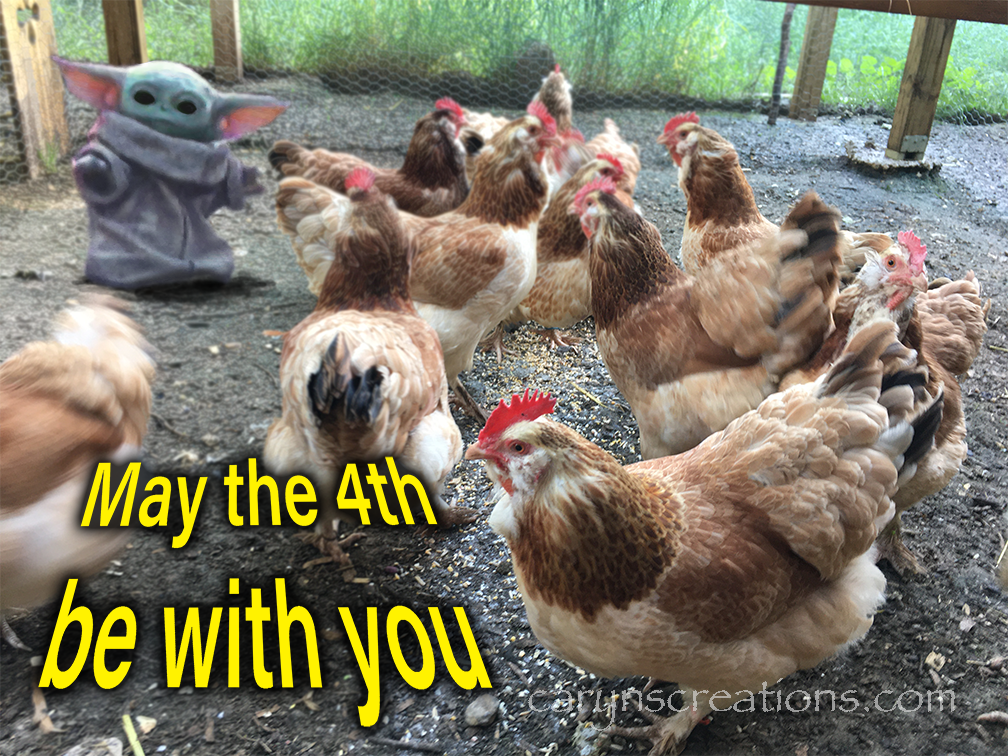
May the 4th be with you

Baby Yoda takes on Faverolle chickens
Playing with Photoshop

I used Adobe Photoshop to make my fan art for May the 4th. These are my Faverolle hens, and getting a picture of them is not too hard: I threw scratch out, then when they were eating, made an alarm sound, which made them all look up. Getting a clear image of baby Yoda is a trick. I had to rewatch Mandalorian (oh bummer) and find the right scene. Once I had the image, I fussed and adjusted, blurred and blended, messed with the hue and saturation, added some extra green, and added shadow. I still couldn’t bring the clarity to match my photo, so I ended up blurring my chicken photo around the child. Still, I think it looks like he is either ready to fight the chickens or defend them. I’m good with that, and it was a fun exercise to hone my Photoshop skills.

Uncategorized

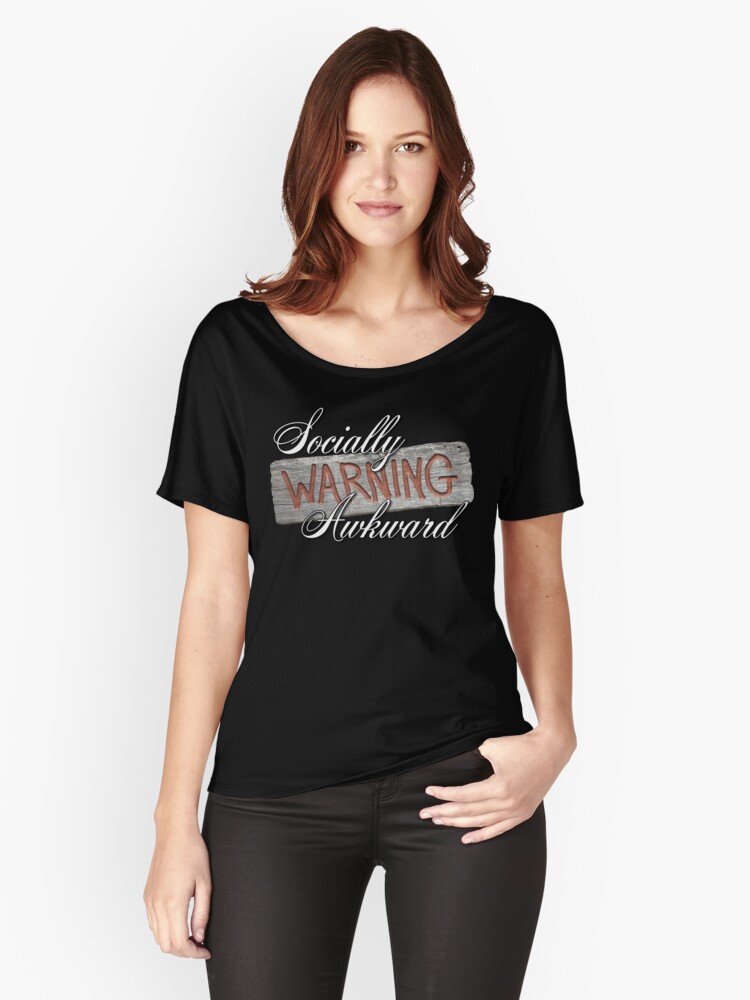
Warning Socially Awkward

I’ve had the idea for this design for awhile, but was finally able to get it to come together. The aged wood is from a picture that I took of an old cabin in town. I used Photoshop to make the carved letters using the blending tool and emboss filters, then put the whole thing together in Illustrator (because I like it best). It is available on Redbubble on all sorts of neat products. #findyourthing

Picture preview from Redbubble.com of my design (not me!)
Uncategorized

Thank you past me

I just want to thank my past self for grouping and organizing my document. It has made these last minute changes before going to press so much easier. It really pays off to organize and properly label your resources, layers, and documents during the creation process.