Adobe Fresco, Illustrator, Photoshop, Vector Art

Psychedelic show banner

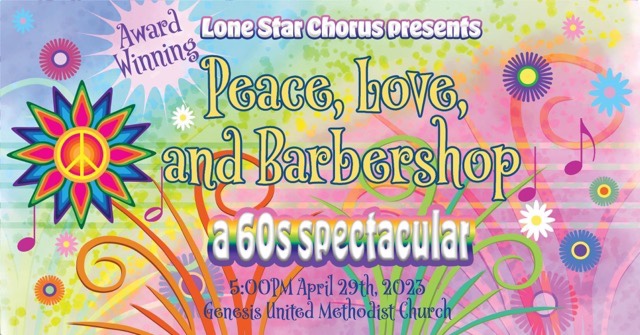
My latest project was developing a digital banner for Lone Star Chorus’ “Peace, Love, and Barbershop” show announcement. I had fun with this one, and used Adobe Fresco (for the water color background and grass), Adobe Illustrator (for the sun and notes), Adobe Photoshop (for the botanical layers), and finally Adobe inDesign to make a manageable file size. I flip through the apps because each one has a specialty and it is easier to do certain elements in different apps. Not only do I keep familiarity with each app with regular usage, I also see which app works better to execute my ideas.
Rainbow botanical musical banner

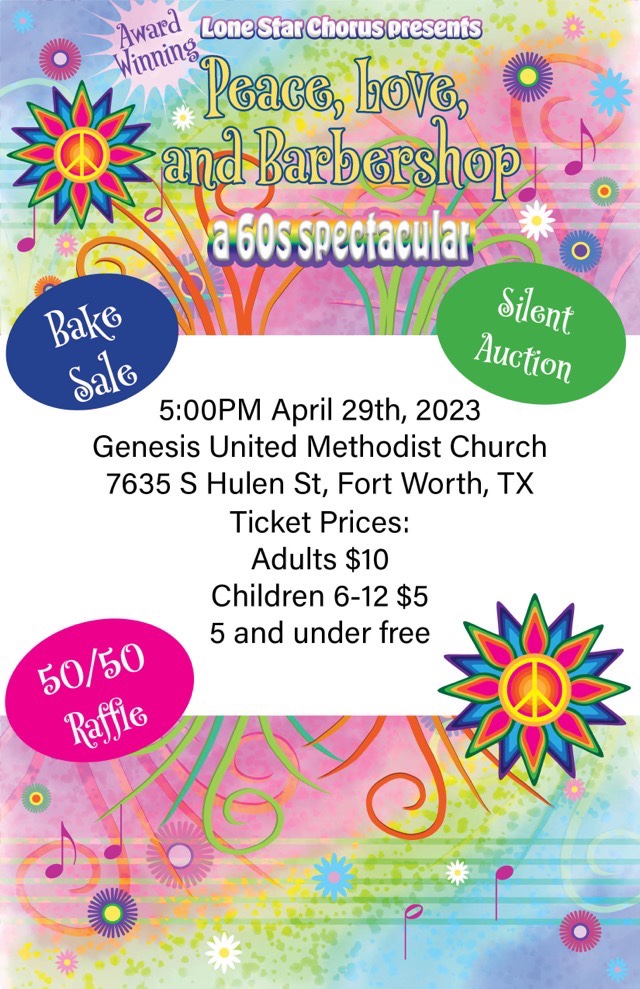
The banner is sized at 1920×1005 pixels to optimize for use as a Facebook event. To make a printable flyer, I played with the elements to make a lower coordinating panel, leaving a white section in the middle for readability.
1/2 page coordinating flyer
Adobe Fresco, Inktober52, Vector Art

CUBE

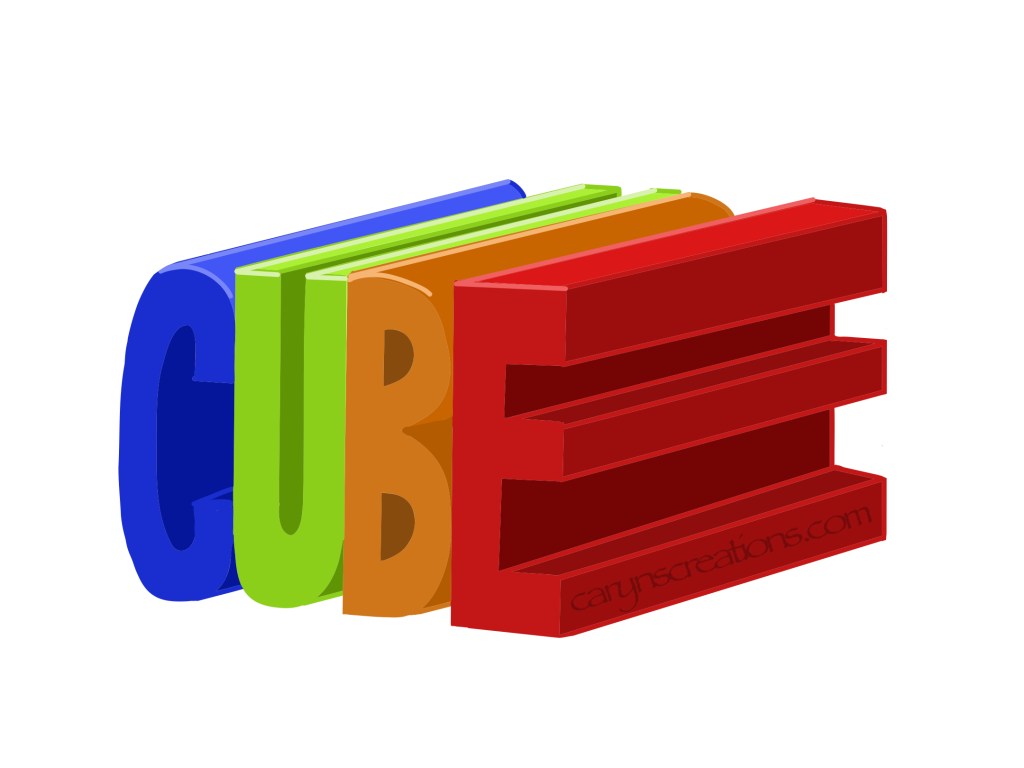
This week’s prompt from Inktober52 was “cube”. As I intend to continue to use these prompts to strengthen my Adobe Fresco skills, I attempted to make the word “cube” into a cube using the in-app ruler. While this helped considerably, it bothers me that it is not precise. So I pulled up Adobe Illustrator on my computer and recreated the idea using the 3D extrude effect. Let’s just say that it took considerably less time in Illustrator than in Fresco. This is a good example of using the right tool for the project.

CUBE graphic drawn in Adobe Fresco using the ruler tool
Cube graphic drawn in Adobe Fresco
Cube graphic created in Adobe Illustrator

Adobe Fresco, Inktober52, Vector Art

Octopus

Octopus word art made in Adobe Fresco

This week’s prompt from Inktober52 was “octopus”. With those fascinating flexible tentacles, this was perfect for word art. It is unfortunate that the word has only seven letters, but easy to have the eighth appendage reaching forward to give more movement. (And I always count the legs in octopus art, doesn’t everyone?)

Adobe Fresco, Vector Art

Star

I have to admit to being a bit stumped on the prompt “star”, so I defaulted to vector graphics in logo style. I am still building my skills in Adobe Fresco, but these aren’t outside my wheelhouse this week.

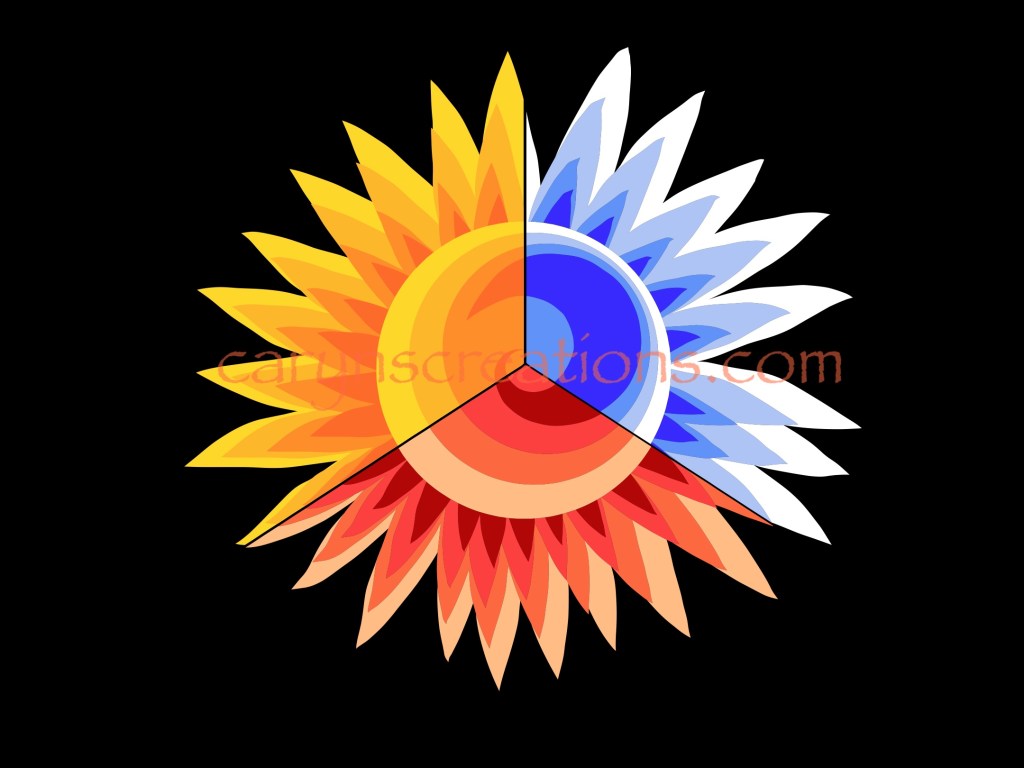
Tri-colored sun graphic done in Adobe Fresco with vector brushes

I started with a representational graphic of a sun, but thought it was a little blasé, so duplicated it, erased half, and recolored the new half with the fill tool. That worked well, so I did it again, but this time in thirds. It is interesting, but makes my eyes dance a bit. So I tried something else.

Star interplanetary concept logo done in Adobe Fresco

For the second iteration, I imagined a company in need of a logo. On this, I like how the star is part of the word (especially crossing the t), but that the star and S combo could also stand alone. It is important when designing logos that elements can be removed and used separately (think of the “smile” on an Amazon box!) I also took a slightly different take on the “shadow” of the text by stretching it up as well as offsetting it. Just to experiment.