Inktober52, Vector Art

Dragonfly

I was excited about the prompt “dragonfly”, because I love dragonflies. I may love them a little too much because the possibilities were immense and I was feeling overwhelmed. After a couple of sketches and a bit of time away on another craft, and I settled on this design. I drew a single dragonfly with the color on a separate layer, then duplicated it and changed the color just on one layer of each dragonfly. The word is done semi-opaque behind. Happy news, text layers can be converted to vector or pixel layers in Adobe Fresco, which means stretching a font is easy. Since I drew the dragonfly with a vector brush (basic round this time), I can reuse this asset in other projects! Hurray!
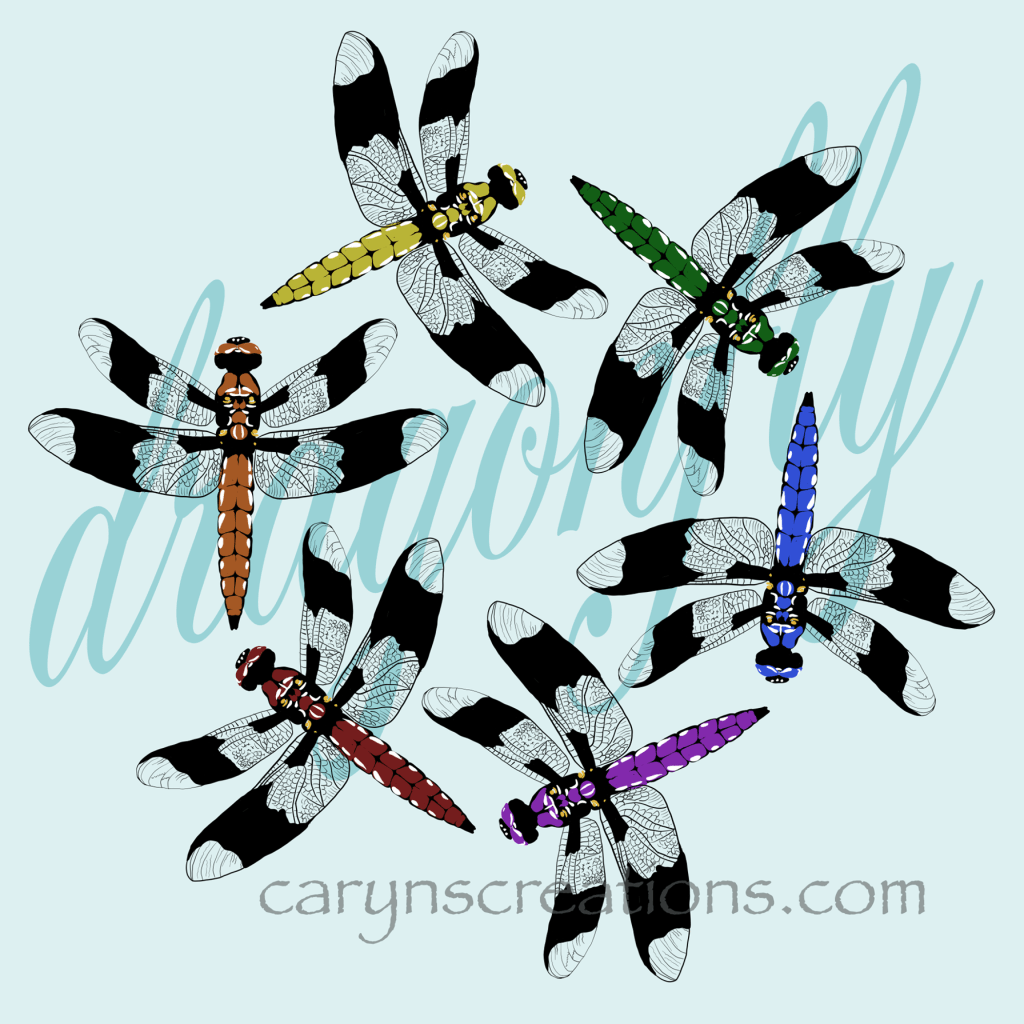
“Dragonfly” graphic created on Adobe Fresco using vector brushes
Inktober52, Vector Art

Monster

Sustained subfreezing temperatures, rolling blackouts, full blackouts, and frozen pipes are true monsters. These little guys are downright cute. I had fun using the end taper vector brush to create them in Adobe Fresco.

Monster graphic created in Adobe Fresco using vector brushes
Inktober52, Vector Art

Remote

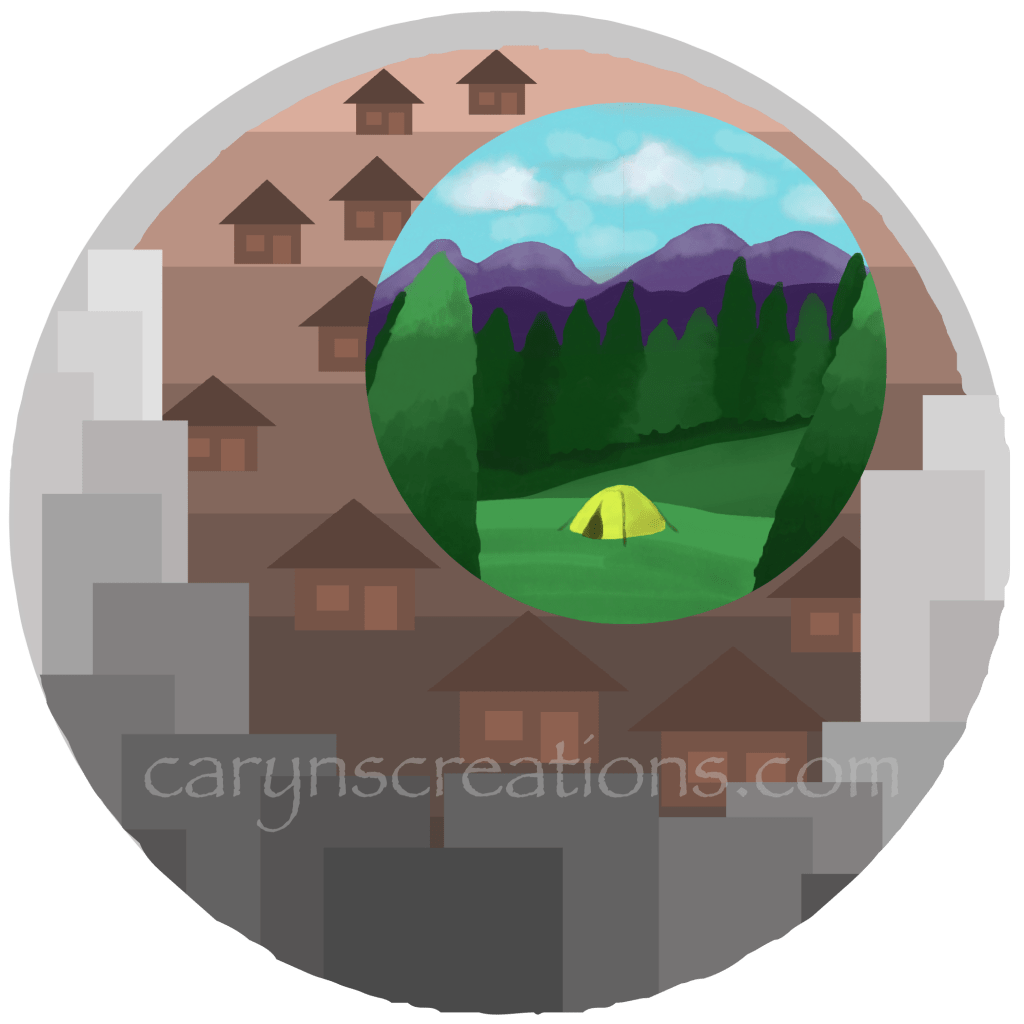
This week’s prompt is “remote”. I worked with masks in Adobe Fresco for this concept. I was so excited that masks are supported in the app! My concept is being remote from the crowds of cities and suburbia. So my city circle and ‘burbs circle are single hue, simple shapes, done with vector layers and masks. But the little tent out in the mountains uses vibrant color and I made use of the water color brushes in Fresco (and lots, and lots of layers). I did merge the layers before I applied the circle mask. Hmm. I didn’t incorporate the actual word in this week’s prompt. Maybe that is a challenge for another week.

“Remote” image composed in Adobe Fresco
Adobe Fresco, Inktober52, Vector Art

Ancient

This week’s prompt is “ancient”, I was thinking buildings or ruins, but my eldest suggested a tortoise. A good suggestion! I chose the Galapagos tortoise because they have a long life span and a wonderfully large shell (which makes putting words on it easier). I drew this with a reference photo using Adobe Fresco and an Apple Pen on an iPad. I used the vector brushes and worked from shadow to light using layers. I have to admit, this wasn’t pushing my envelope very much. I enjoy making images this way, but the experience was improved and streamlined using the pressure pen.

Vector drawing of an ancient Galapagos tortoise