Blog

Adobe Fresco, Inktober52

Cat planet

Last week’s drawing prompt was “cat”. Oh my. A photo search on my phone alone yielded 1,009 photos. So very many possibilities, and work and home life were hoppin’ so I decided to see if I could combine prompts again. This week’s prompt: “planet”. Hmm. Cat planet. Alrighty then. That does narrow the possibility matrix, but in very strange ways. My first idea was a cat playing with a planet, maybe even gripping a hapless Earth in its celestial jaws. But wait, what if the cat WAS the planet, and the drawing captures the moment that an orbiting moon catches the sleeping interstellar feline’s attention?
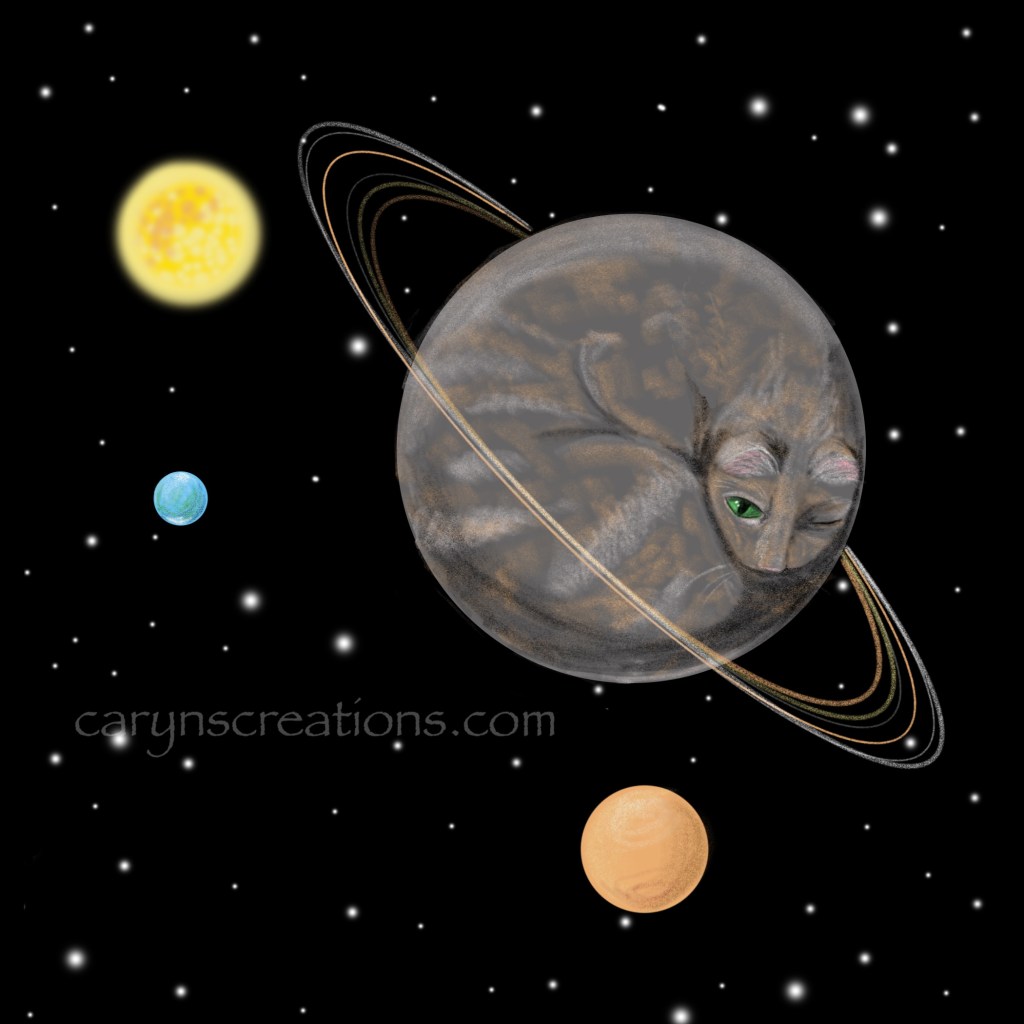
Cat Planet drawn in Adobe Fresco with an Apple Pencil

Fresco’s shapes helped me achieve perfect circles and ovals. The cat is very loosely modeled on our gray tortoiseshell house cat.

P.S. I forgot to hit publish. Oops.
Uncategorized

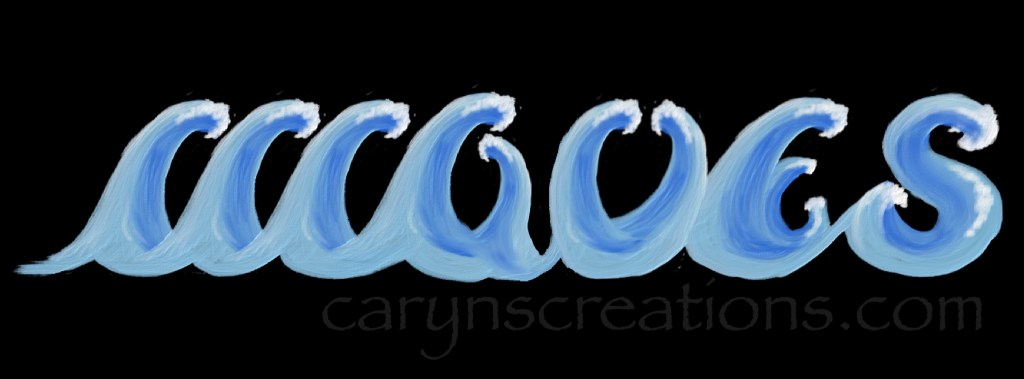
Waves

This week’s prompt was waves. I forced myself out of my vector comfort zone and experimented again with the oil brushes in Adobe Fresco. Happily, the issue with merging oil layers and the paint heights multiplying is now fixed! I painted one wave, then duplicated it to make the letters, sometimes flipping, sometimes turning, to get the right look. I merged all the oil layers (which now works as it conceptually should), then refined with more brush strokes. I think this will do for a weekly sketch and experiment with concept. More needs to be done for it to be a fully realized piece, but for now I will let the waves wash away, perhaps to be visited another day.

Waves as word art using Adobe Fresco
Uncategorized

Stand

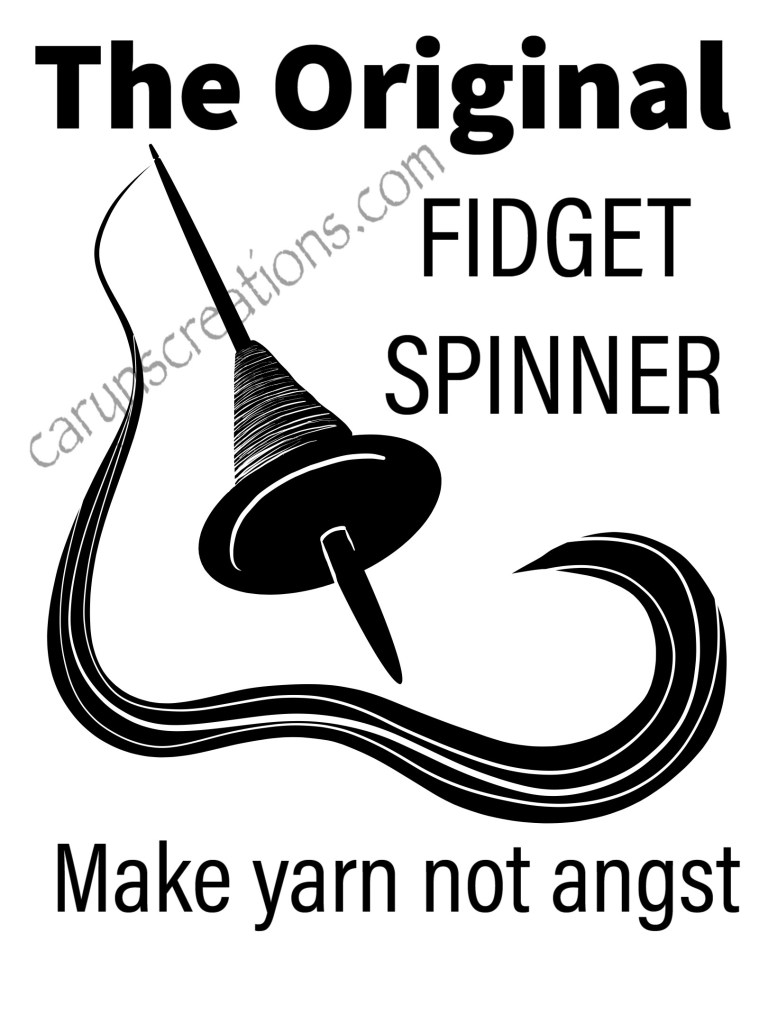
Ok, so this is a bit of a stretch for the prompt “stand”, but I was standing and spinning and have had this design on my to-do list for over a year. It seemed a perfect opportunity to fulfill a weekly sketch, and knock off a to-do item!

“The Original Fidget Spinner: make yarn not angst” design made with vector brushes in Adobe Fresco

I made a black and a white print version, and have loaded them up on Redbubble (click links to go to the designs). Mine are already ordered. A tshirt to wear when I’m walking the neighborhood, and a canvas bag to hold my spinning stuff.

Adobe Fresco, Vector Art

Star

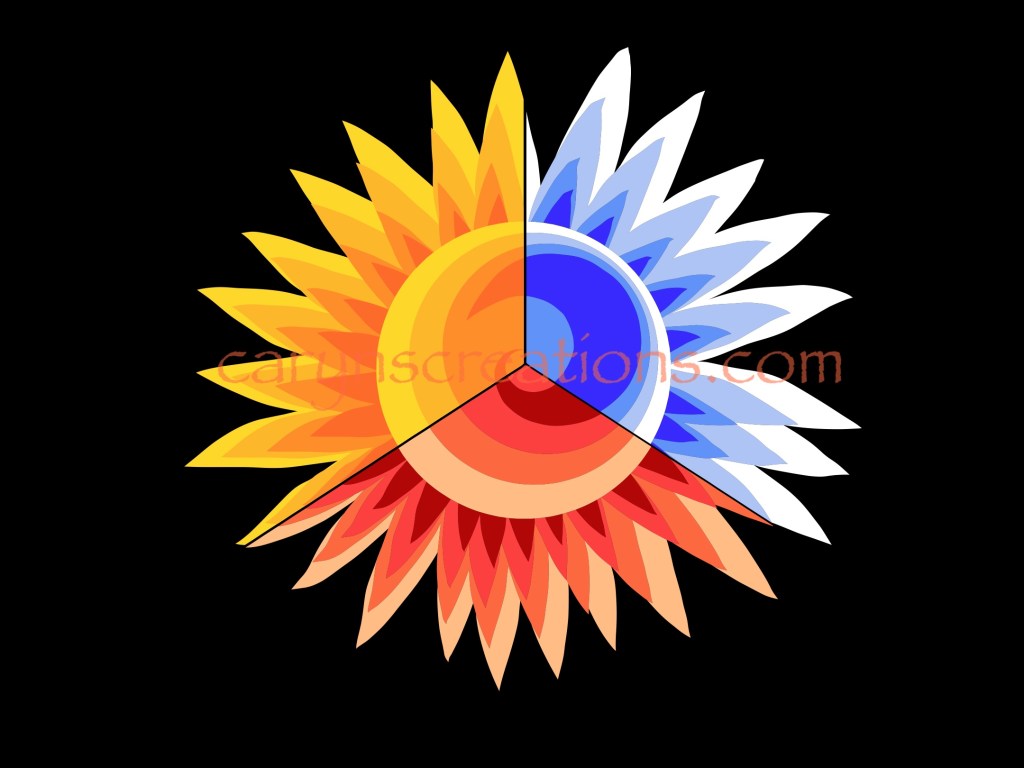
I have to admit to being a bit stumped on the prompt “star”, so I defaulted to vector graphics in logo style. I am still building my skills in Adobe Fresco, but these aren’t outside my wheelhouse this week.

Tri-colored sun graphic done in Adobe Fresco with vector brushes

I started with a representational graphic of a sun, but thought it was a little blasé, so duplicated it, erased half, and recolored the new half with the fill tool. That worked well, so I did it again, but this time in thirds. It is interesting, but makes my eyes dance a bit. So I tried something else.

Star interplanetary concept logo done in Adobe Fresco

For the second iteration, I imagined a company in need of a logo. On this, I like how the star is part of the word (especially crossing the t), but that the star and S combo could also stand alone. It is important when designing logos that elements can be removed and used separately (think of the “smile” on an Amazon box!) I also took a slightly different take on the “shadow” of the text by stretching it up as well as offsetting it. Just to experiment.

Adobe Fresco, Inktober52, Vector Art

Shield

This week’s prompt was “shield” from Inktober52. This was drawn in Adobe Fresco with an Apple Pencil using vector brushes. I made use of opacity in the brushes, so I could put the eyes on any skin color. This is a similar technique to what I use when painting eyes on rocks with acrylics, and make the rock the “skin”. I drew one eye without the highlights, then mirrored it for the second eye before adding the white dots.

Shield graphic showing a facemask, eyes, and upraised eye brows. Done in Adobe Fresco