Blog

Uncategorized

Microscopic spaceship

I combined two prompts this time. The spaceship prompt was giving me trouble, then along came the prompt “microscopic”, so I thought it was completely appropriate to envision a tiny spaceship destroying COVID viruses. This is a photo collage, done in Adobe Fresco. The electron microscope image of COVID-19 is from NIAID, and the image of the X-wing fighter is an actual electron microscope image of a 3D printed model by Microlight. Not to scale. Much artistic license applied. I did reduce NIAID’s image back to monotone, then added subtler color. The X-wing image was monotone, and I added the faded red paint and the lasers were done with a physical straight edge and the basic brush “soft round”.

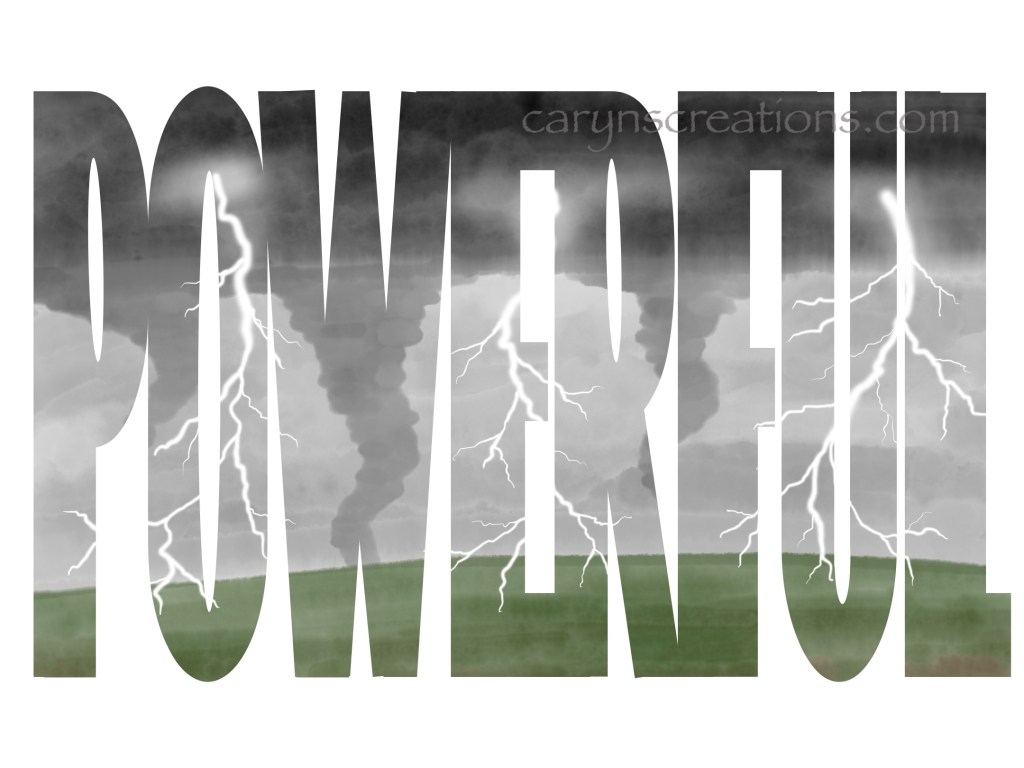
Image collage of microscopic spaceships attacking a COVID virus
Uncategorized

Powerful

This week’s prompt was “powerful”. I could not get storms out of my head, so tornados and lightning made it into the art. I used Adobe Fresco and an Apple Pencil (not ink, sorry Inktober52, but I do love the prompts). Because the photographs of spectacular lines of tornadoes usually have a mottled appearance, I chose the watercolor brushes in Fresco for the background and the funnel clouds. Lightning was a little trickier, but there is a basic pixel brush with a solid core and soft edges that worked spectacularly with the Apple Pencil! I merged the watercolor and pixel layers with a white background (if you don’t the watercolors remain transparent), then applied the scene to the letters to mask them.

Tornados and lightning make up the word “powerful” created in Adobe Fresco
Uncategorized

Egg

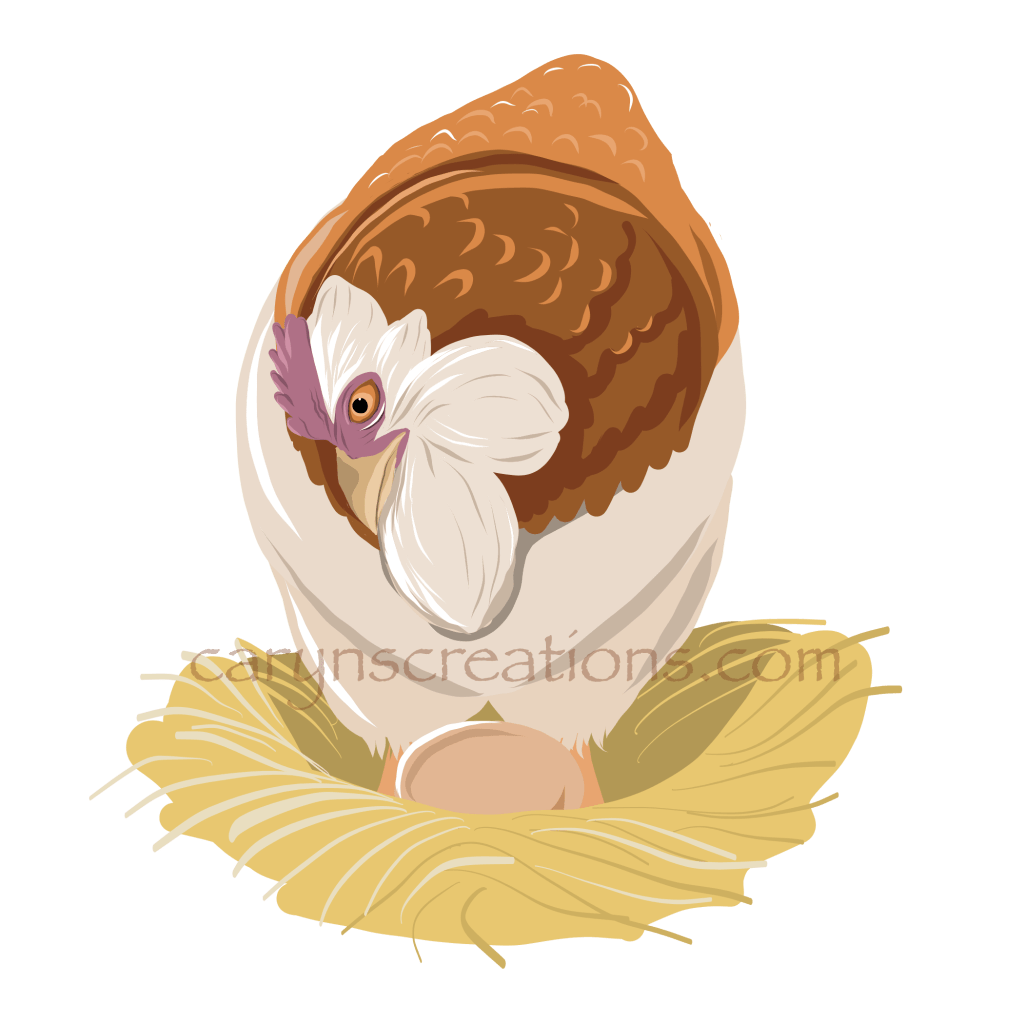
A new week, a new prompt, and another deviation from the word art theme. The reason is that I have a design running around in my head and the prompt “egg” was the perfect excuse to work on a sketch. Our front doorbell recently broke (Winterpocolypse? Maybe.), and in searching new farmhouse door bells I saw many cute animal surrounds, but no chickens. So that needs rectification. The idea is the round button will replace the egg and it will look like the hen has raised up to check her egg. Done in Adobe Fresco with an Apple Pencil with copious use of layers and vector brushes. I prefer vector since resizing is immensely easier.

Vector drawing of a Faverolle Hen in a nest with an egg
Egg replaced by a representation of a button (I love, love, love layers)
Adobe Fresco, Inktober52

Camping

This week’s prompt was “camping”, and I used the oil brushes in Adobe Fresco to paint a camping scene using different layers. I don’t like to merge oil painting layers because some bizarre effects occur, so once the painting was done, I used the Creative Cloud app to export the image as a JPG. I then went back to Adobe Fresco and imported the JPG on a layer. I used a text layer to create the word “camping” then pixelated it so I could transform it taller. I made a duplicate of the text. With the painting layer above the pixelated layer, I used the mask button to fill the letters with the painting. Then I offset the duplicated black text layer to make the sharp shadow. And now I’m all caught up after a round of quarantine (my youngest, she stayed healthy), and Texas’ Winterpocolypse.

Camping graphic made with Adobe Fresco and Creative Cloud
Inktober52, Vector Art

Dragonfly

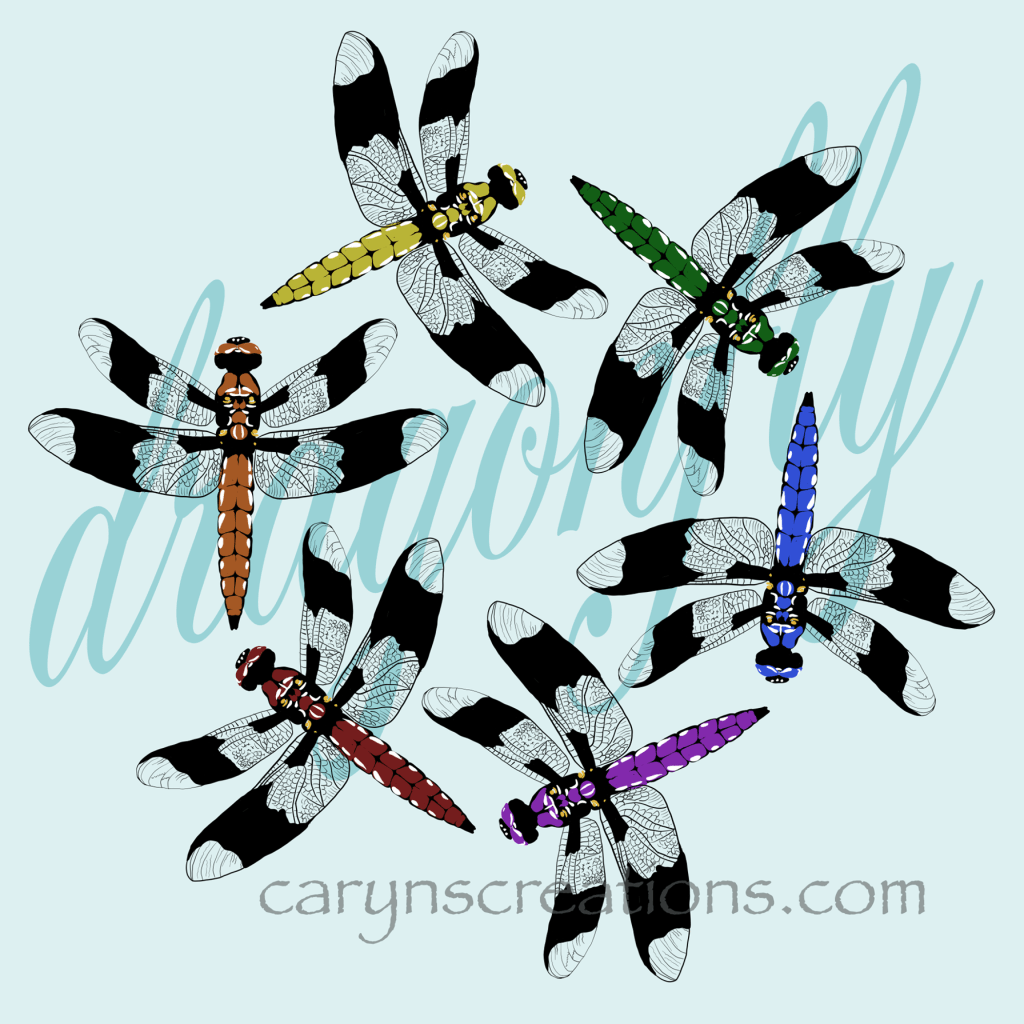
I was excited about the prompt “dragonfly”, because I love dragonflies. I may love them a little too much because the possibilities were immense and I was feeling overwhelmed. After a couple of sketches and a bit of time away on another craft, and I settled on this design. I drew a single dragonfly with the color on a separate layer, then duplicated it and changed the color just on one layer of each dragonfly. The word is done semi-opaque behind. Happy news, text layers can be converted to vector or pixel layers in Adobe Fresco, which means stretching a font is easy. Since I drew the dragonfly with a vector brush (basic round this time), I can reuse this asset in other projects! Hurray!

“Dragonfly” graphic created on Adobe Fresco using vector brushes